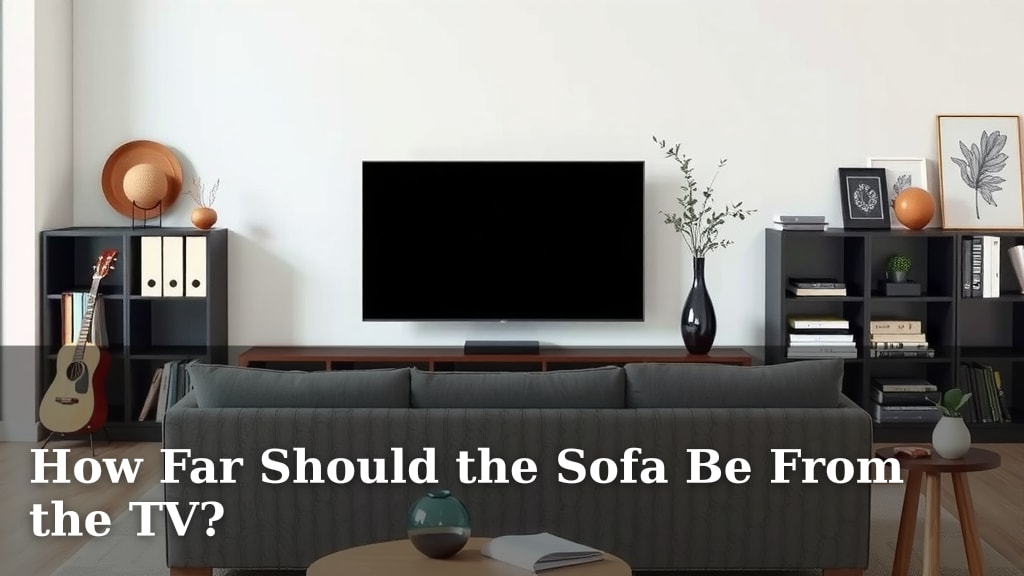
How Far Should the Sofa Be From the TV?
The ideal distance from your sofa to the TV is generally 1.5 to 2.5 times the diagonal screen size. This range ensures you get a clear, comfortable viewing experience without straining your eyes. For example, a 55-inch TV is often best viewed from about 7 to 10 feet away.
Getting this distance right is key to enjoying your favorite shows and movies. Too close, and you might miss the full picture or feel overwhelmed. Too far, and details can get lost, turning movie night into a squinting session. We’ve researched what makes for the best home theater setup.
- General rule: 1.5 to 2.5x screen size.
- Example: 55-inch screen = 7-10 feet.
- Avoid eye strain and missed details.
- Consider room size and TV resolution.
Let’s walk through how to find that perfect sweet spot for your living room.
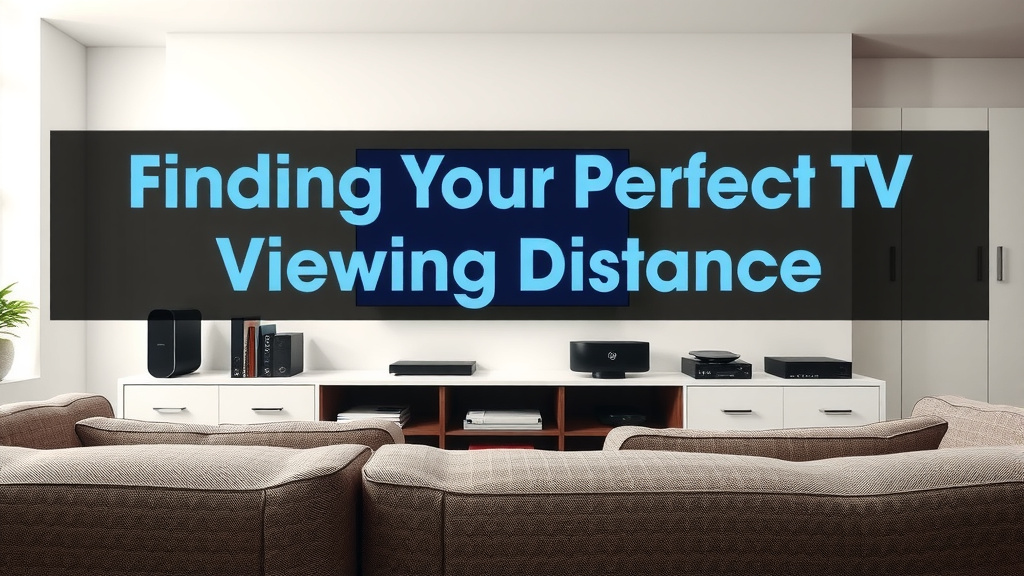
Finding Your Perfect TV Viewing Distance
So, you’ve got a new TV or maybe just want to optimize your current setup. One of the most common questions we get is, “How far should my sofa actually be from the TV?” It’s a question that can make a big difference in your viewing enjoyment.
Getting this distance right means you can watch comfortably. You’ll see every detail without straining your eyes. Let’s break down how to find that sweet spot for your living room.
The Science Behind the Sweet Spot
There’s a general rule of thumb that helps guide you. It’s based on your TV’s screen size. Experts often recommend a viewing distance that’s 1.5 to 2.5 times the diagonal measurement of your TV screen.
This range is considered optimal for most people. It helps prevent both eye strain and the feeling of being overwhelmed by a too-close screen. Many visual comfort guidelines support this range (American Optometric Association).
Calculating Your Ideal Distance
Let’s make this practical. Grab a tape measure! You’ll need the diagonal screen size of your TV. You can usually find this in your TV’s manual or by searching its model number online.
Once you have that number, multiply it by 1.5 for the minimum distance. Then, multiply it by 2.5 for the maximum distance. This gives you your recommended viewing range in inches.
To convert this to feet, divide the result by 12. For example, for a 65-inch TV:
- Minimum distance: 65 inches * 1.5 = 97.5 inches / 12 = 8.1 feet
- Maximum distance: 65 inches * 2.5 = 162.5 inches / 12 = 13.5 feet
So, for a 65-inch TV, you’d aim for your sofa to be between about 8 and 13.5 feet away. This gives you a nice, flexible viewing zone.
Understanding Screen Resolution’s Role
While the 1.5-2.5x rule is a great starting point, screen resolution also plays a part. Higher resolution TVs, like 4K or 8K, allow you to sit a bit closer without seeing individual pixels.
For a 4K TV, you can often get away with the lower end of the recommended range, or even slightly closer. This is because the pixels are much smaller and harder to detect. You get a sharper, more immersive picture.
However, for older or lower-resolution TVs (like 1080p or 720p), you might want to stick closer to the higher end of the range. This helps avoid seeing pixelation and keeps the image smooth.
Factors Beyond Just Screen Size
The screen size rule is a solid foundation, but your living space and personal preferences matter too. A massive TV in a tiny room will feel overwhelming, no matter the calculated distance. Likewise, a small TV in a cavernous room might feel lost.
Room Dimensions and Layout
Take a good look at your room. How much space do you actually have between your TV wall and your seating area? It’s easy to get caught up in the math, but real-world dimensions are king.
If your room is on the smaller side, you might need to choose a TV that fits your space rather than trying to force a huge screen into a cozy nook. A TV that’s too large for the room can make the space feel cramped. It can also force you to sit too close, leading to discomfort.
Your Personal Viewing Habits
Think about how you watch TV. Are you a movie buff who loves the cinematic experience, wanting to feel “in” the action? You might lean towards the closer end of the range.
Or do you primarily use your TV for casual news watching or background noise? You might be perfectly comfortable at the farther end. Your personal comfort is the ultimate deciding factor.
Don’t be afraid to experiment a little! Place your sofa at a few different distances within the recommended range and see what feels best for you and your family.
When Does a Different Approach Make Sense?
Sometimes, the standard rules need a slight tweak. This is especially true for dedicated home theater setups or when dealing with very large screen sizes.
The Home Theater Experience
For a truly immersive home theater, many enthusiasts push the boundaries a bit. They often aim for a viewing distance that is closer to the 1.0 to 1.5 times the screen size. This is particularly common with 4K and 8K content.
This setup mimics the experience you get in a movie theater. You want the screen to fill a significant portion of your field of vision. This requires a high-resolution display to maintain clarity at these closer distances (Society of Motion Picture and Television Engineers).
Very Large Screen Sizes
When you get into TVs 75 inches and larger, the math can lead to very long viewing distances. If your room isn’t large enough, you might feel like you’re missing details.
In these cases, it’s often better to sit closer than the 2.5x rule suggests, provided your TV is a high resolution (like 4K). The key is to find a balance where the picture is immersive but not so large that you’re constantly moving your head to follow the action. Aim for a distance where the screen feels impressive, not overwhelming.
Making the Right Choice for Your Room
Ultimately, the best distance is subjective, but guidelines help you start smart. Consider your TV’s size and resolution first. Then, factor in your room’s layout and your personal viewing preferences.
Here’s a quick checklist to help you find your perfect spot:
- Measure your TV’s diagonal screen size.
- Calculate your viewing range using the 1.5x to 2.5x rule.
- Consider your TV’s resolution (4K/8K allows closer viewing).
- Assess your room’s actual dimensions and layout.
- Think about how you typically watch TV.
- Test a few different distances within your range.
By following these steps, you can ensure your sofa is positioned just right. You’ll enjoy a more comfortable and engaging viewing experience for movies, shows, and everything in between.
Conclusion
Finding the perfect sofa-to-TV distance is about more than just a number. You’ve learned that the 1.5 to 2.5 times screen size rule is your starting point. But your room’s size, TV resolution, and how you actually enjoy watching matters most. Don’t be afraid to trust your eyes and your comfort.
Your goal is a viewing experience that feels just right for you. It should be immersive without causing strain. Now, go ahead and measure your space. Make those small adjustments to create your ideal home theater setup.
Frequently Asked Questions
What’s the easiest way to measure my TV’s screen size?
The easiest way is to find your TV’s model number, usually on the back. Search this number online, and the specifications will list the screen size. You can also measure diagonally from corner to corner yourself, but be sure to only measure the viewable screen area, not the bezel.
Can I sit closer to a 4K TV than an older HD TV?
Yes, you generally can! Thanks to their higher pixel density, 4K and 8K TVs allow you to sit closer without noticing individual pixels. This means you can get a more immersive picture. For older HD TVs, you might need to sit a bit further back to avoid seeing a less smooth image.
My room is small, how do I choose the right TV size and distance?
In a smaller room, prioritize a TV size that fits the space comfortably. Use the lower end of the viewing distance calculation (1.5x screen size). A TV that’s too large can make the room feel cramped and force you to sit too close, leading to discomfort. A balanced setup is key.
What if my ideal distance doesn’t fit my room layout?
If your room layout prevents the ideal distance, look for compromises. You might need to slightly adjust your viewing angle or consider furniture placement. Sometimes, a slightly different TV size might also be a better fit. Focus on finding a distance that minimizes strain, even if it’s not mathematically perfect.
How do I know if my sofa is too close or too far?
If you find yourself turning your head side-to-side to see the whole picture, your sofa is likely too close. If you feel like you’re missing details or the picture appears small, it’s probably too far. Eye strain and headaches after watching are also signs that your distance might be off.
![10 Best Cleaner For Faux Leather Sofa [2026]](https://hometopaccesories.com/wp-content/uploads/2026/09/10-best-cleaner-for-faux-leather-sofa-2026-featured-768x432.jpg)
![10 Best Corner Sleeper Sofa [2026]](https://hometopaccesories.com/wp-content/uploads/2026/09/10-best-corner-sleeper-sofa-2026-featured-768x432.jpg)