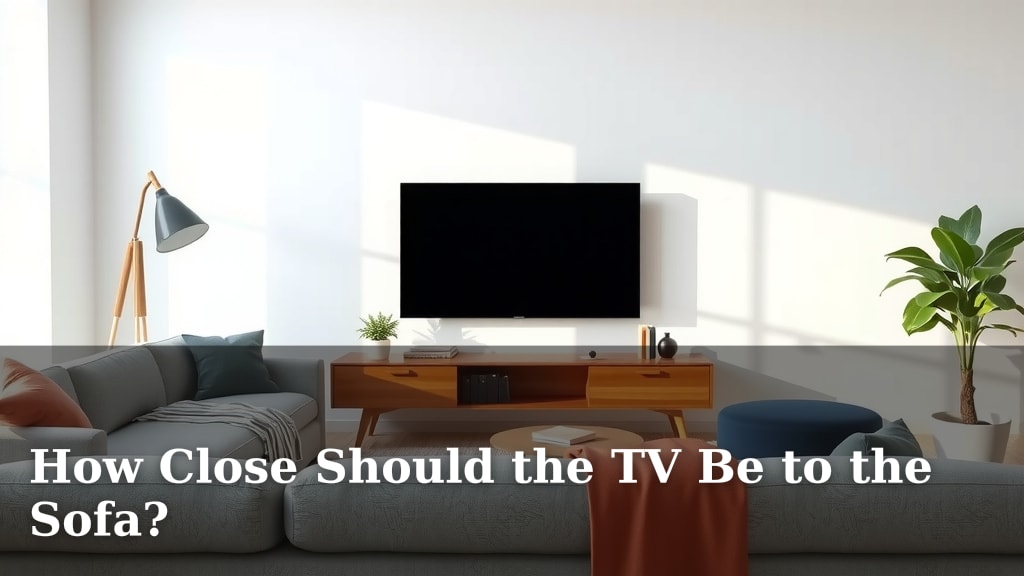
How Close Should the TV Be to the Sofa?
For the best viewing experience, your TV should be placed about 1.5 to 2.5 times the diagonal screen size away from your sofa. This sweet spot helps prevent eye strain and allows you to see the whole picture. You want to feel immersed, not like you’re staring at a tiny screen or have to move your head to see everything.
Finding the right distance is key for enjoying your favorite shows and movies. It’s not just about comfort; it impacts how you perceive picture quality and the overall theater-like feel. Too close, and you might see pixels; too far, and the details get lost. We’ve all been there, trying to figure out the perfect spot.
- Aim for 1.5x to 2.5x your screen’s diagonal size.
- This range prevents eye strain and ensures full picture visibility.
- It creates an immersive viewing experience.
- Too close can show pixels; too far loses detail.
Let’s walk through exactly how to figure out the ideal distance for your living room setup.
Finding Your Ideal TV Viewing Distance
So, you’ve got a new TV, or maybe you’re just redecorating. The big question is, how far away should your sofa be? It sounds simple, but getting this right makes a huge difference. We’re here to help you nail that perfect sweet spot for the best picture and comfort.
Understanding the Basics of Viewing Distance
The core idea is to match the viewing distance to your TV’s screen size. This isn’t just a random rule. It’s based on how our eyes work and how we perceive images. You want to be close enough to see all the detail without straining your eyes. But you don’t want to be so far away that the picture looks small and loses its impact. Think of it like sitting in a movie theater.
Why Distance Matters for Your Eyes
Staring at a screen that’s too close can cause eye strain. Your eyes have to work harder to take in the whole picture. This can lead to discomfort, headaches, and fatigue. Many experts suggest that proper distance helps reduce these issues (Cleveland Clinic).
Impact on Picture Quality
When you’re too close to a TV, especially a high-definition one, you might start seeing the individual pixels. This can make the image look less sharp. On the flip side, if you’re too far, fine details, text, and subtle visual cues can get lost. The resolution of your TV also plays a role here.
Calculating the Perfect TV-to-Sofa Gap
Let’s get down to numbers. The most common recommendation involves using your TV’s diagonal screen size as a guide. It’s a simple calculation that works for most people and screen types.
The “Multiply Your Screen Size” Method
Here’s the most straightforward way to figure out your distance. Measure the diagonal size of your TV screen. Then, multiply that number by a factor. This factor depends on your TV’s resolution. It’s a reliable method we found used by many AV specialists.
For 4K or UHD TVs
For 4K and Ultra High Definition (UHD) TVs, you can sit a bit closer. The pixels are much smaller and denser. Research suggests a multiplier of 1 to 1.5 times the screen size. So, for a 55-inch 4K TV, a distance between 55 and 82.5 inches works well. That’s about 4.5 to 6.8 feet.
For 1080p or HD TVs
If your TV is Full HD (1080p), you’ll want to be a little further back. The pixels are more visible at closer distances. Experts generally recommend a multiplier of 1.5 to 2.5 times the screen size. For a 55-inch 1080p TV, this means a distance of about 82.5 to 137.5 inches. That’s roughly 6.8 to 11.5 feet.
Using a Viewing Distance Chart (A Quick Guide)
Sometimes, math isn’t your favorite thing. We get it! A simple chart can make this much easier. These charts often show recommended distances for various screen sizes and resolutions. You just find your TV size and its resolution, and voilà!
| TV Size (Diagonal) | 1080p (HD) Viewing Distance (Approx.) | 4K (UHD) Viewing Distance (Approx.) |
|---|---|---|
| 32 inches | 4 – 6.7 feet | 2.7 – 4 feet |
| 43 inches | 5.4 – 9 feet | 3.6 – 5.4 feet |
| 55 inches | 6.8 – 11.5 feet | 4.6 – 6.8 feet |
| 65 inches | 8.1 – 13.5 feet | 5.4 – 8.1 feet |
| 75 inches | 9.4 – 15.5 feet | 6.3 – 9.4 feet |
Remember, these are general guidelines. Your personal preference might sway these numbers a bit. We found these ranges to be a good starting point.
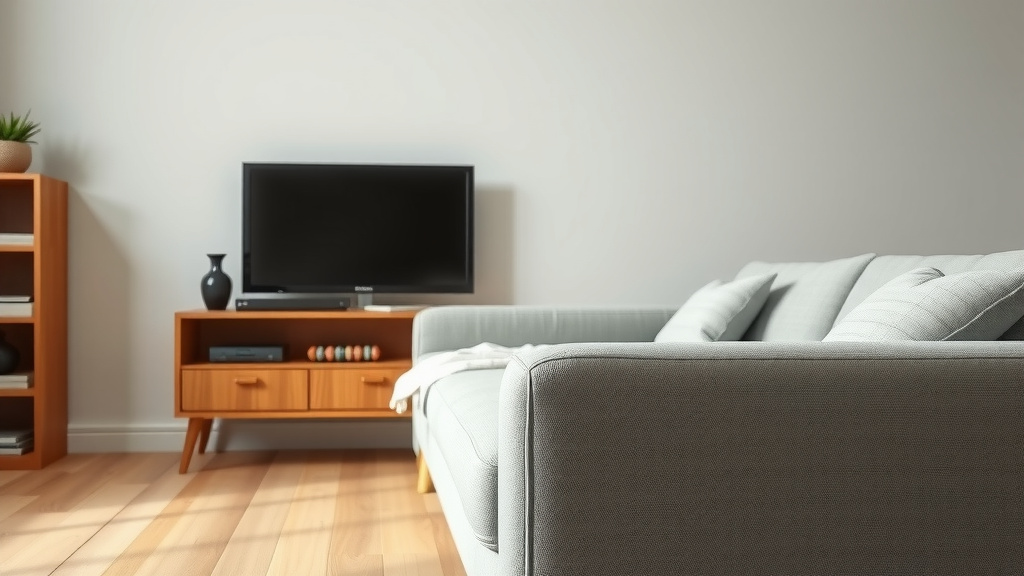
Factors Beyond Simple Measurement
While screen size and resolution are key, other things can influence your ideal setup. Think about your room’s layout and what you mostly watch. These can nudge the perfect distance slightly.
Room Size and Layout Considerations
A huge TV in a tiny room will feel overwhelming, no matter the calculation. Similarly, a small TV in a massive space might feel lost. You need to balance the TV’s presence with the room’s dimensions. Consider furniture placement and traffic flow too. Is your sofa already fixed in place? You might have to adjust your TV size choice based on that.
What Do You Watch Most Often?
Do you binge-watch movies in glorious 4K? Or are you mostly catching up on news and casual TV shows? For cinematic experiences, you might want to be a bit closer to feel immersed. For general viewing, a slightly longer distance is often more comfortable. The type of content you enjoy most can help you fine-tune that ideal spot.
Personal Comfort and Preference
Ultimately, this is about what feels best to *you*. Some people prefer a more cinematic, enveloping experience, even if it’s on the closer end of the recommended range. Others like to have a bit more space between themselves and the screen. Don’t be afraid to experiment a little! Sit closer, sit further back, and see what feels right for your eyes and your brain.
A Quick Checklist for Your Setup
To recap, here’s a quick rundown to help you find your perfect spot:
- Measure your TV’s diagonal screen size.
- Note your TV’s resolution (4K or 1080p).
- Use the multiplier (1-1.5 for 4K, 1.5-2.5 for 1080p) to get a range.
- Consider your room’s overall size and shape.
- Think about the types of content you watch.
- Test different distances and trust your comfort level.
Conclusion
Finding the perfect TV viewing distance is all about balance. It’s not just about following a strict rule, but about creating a comfortable and immersive experience for your eyes. By considering your TV’s screen size and resolution, along with your room’s layout and personal preferences, you can easily avoid eye strain and get lost in your favorite content. Remember that chart and simple multiplication are great starting points. Now, take a moment to measure your space and adjust your seating to discover your ideal viewing sweet spot. You’ve got this!
Frequently Asked Questions
Can I sit closer to a 4K TV than an HD TV?
Yes, you generally can. 4K TVs have much smaller pixels than HD TVs. This means you can sit closer to a 4K screen without seeing individual pixels. Research suggests you can be about 1 to 1.5 times the screen size away for 4K. For HD, it’s usually 1.5 to 2.5 times the screen size.
What if my living room is small? How does that affect TV distance?
In a smaller room, you might naturally find yourself closer to the TV. If your room size limits how far back your sofa can go, focus on a TV size that fits proportionally. You don’t want a massive screen overwhelming a tiny space. Opt for a smaller screen or place it on a wall mount to save floor space.
Does the height of the TV matter for viewing distance?
While not directly impacting the *distance* calculation, TV height is crucial for comfort. Ideally, the center of the screen should be at or slightly below eye level when you’re seated. This prevents neck strain. You want your viewing angle to be natural, not looking too far up or down.
I have a projector. Does this advice apply?
The basic principles are similar, but projectors often offer more flexibility. Projector screen sizes can vary wildly, and you typically have more control over the throw distance. However, you still want to avoid being too close and seeing the pixel structure or too far and losing detail. Look for recommendations specific to your projector model and screen size.
How can I test if my current TV distance is correct?
The best way to test is through personal comfort. Sit on your sofa and watch something for a while. Do your eyes feel strained? Do you find yourself moving your head to see the whole picture? If the picture looks sharp and you feel immersed without discomfort, you’re likely in a good spot. If not, try moving the sofa back or forth a foot or two and see how it feels.



![10 Best Cleaner For Velvet Sofa [2026]](https://hometopaccesories.com/wp-content/uploads/2026/09/10-best-cleaner-for-velvet-sofa-2026-featured-768x432.jpg)