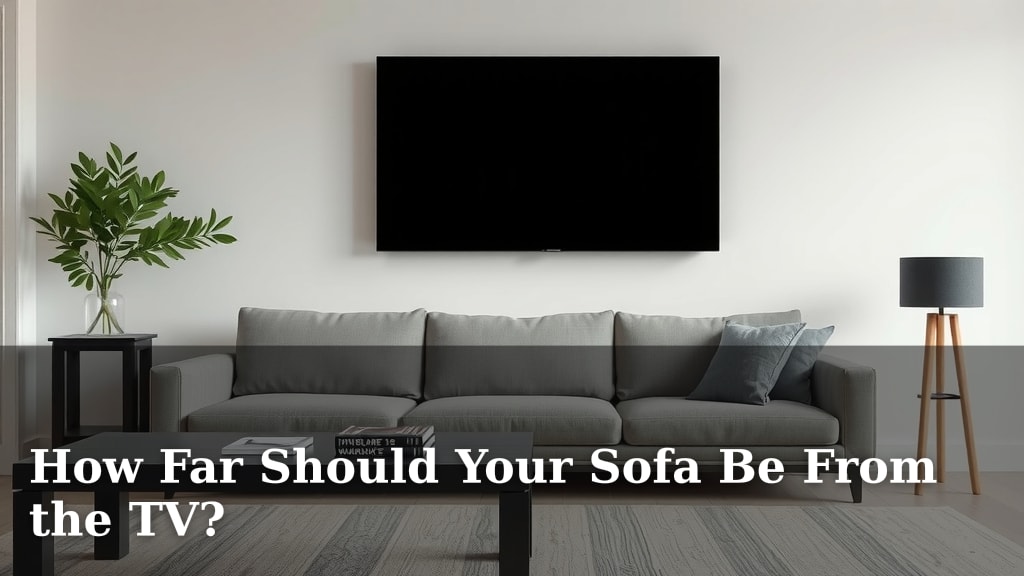
How Far Should Your Sofa Be From the TV?
The ideal distance for your sofa from the TV depends on your TV’s screen size and resolution. For most living rooms, a good starting point is to place your sofa about 1.5 to 2.5 times the diagonal screen measurement away. This ensures you get an immersive viewing experience without straining your eyes.
Getting the viewing distance right can transform your movie nights. Too close, and you might miss details or feel overwhelmed. Too far, and the picture can look small and lose its impact. We found that many experts suggest this simple math for optimal comfort and visual clarity.
- For HD TVs, sit about 1.5-2.5 times the screen’s diagonal size away.
- For 4K TVs, you can sit a bit closer, around 1-1.5 times the screen size.
- Consider your room’s size and overall layout.
- Adjust based on personal comfort and eye strain.
Let’s walk through exactly how to measure and find that perfect sweet spot for your living room setup.
Finding the Sweet Spot for Your Sofa Distance
Ever plopped down on the sofa, ready for movie night, only to realize you’re either too close to see everything or too far to feel immersed? It’s a common living room dilemma. Getting your sofa at the right distance from your TV is more than just a minor detail; it’s key to an enjoyable viewing experience. We found that this distance directly impacts your comfort and how well you can see the details on screen.
The Science Behind the Sofa-to-Screen Ratio
You might be wondering if there’s a magic formula. Well, there sort of is! Experts have developed guidelines based on your TV’s screen size and its resolution. Think of it like finding the perfect seat at a theater; you want to be close enough to appreciate the show, but not so close that you’re craning your neck.
Understanding Screen Size and Resolution
When we talk about screen size, we mean the diagonal measurement of the screen itself, not the whole TV unit. Resolution refers to the number of pixels that make up the image. Higher resolutions, like 4K, mean more pixels packed into the same space. This allows you to sit closer without seeing those individual dots.
Calculating the Ideal Viewing Distance
Many experts suggest a simple calculation. For older HDTVs, a good rule of thumb is to multiply the screen’s diagonal size by 1.5 to 2.5. So, if you have a 50-inch TV, you’d want your sofa to be between 75 and 125 inches away. That’s about 6.25 to 10.4 feet.
For newer 4K Ultra HD TVs, the pixels are much smaller and more numerous. This means you can sit closer and still get a crystal-clear picture. Many recommendations suggest multiplying the diagonal screen size by just 1 to 1.5. For that same 50-inch 4K TV, you could be as close as 50 inches (about 4.2 feet) or as far as 75 inches (about 6.25 feet).
Example: 65-Inch TV Distances
Let’s look at a common size, like a 65-inch TV.
- For an HD model: 65 inches * 1.5 = 97.5 inches (about 8.1 feet) to 65 inches * 2.5 = 162.5 inches (about 13.5 feet).
- For a 4K model: 65 inches * 1 = 65 inches (about 5.4 feet) to 65 inches * 1.5 = 97.5 inches (about 8.1 feet).
Factors Beyond Simple Measurement
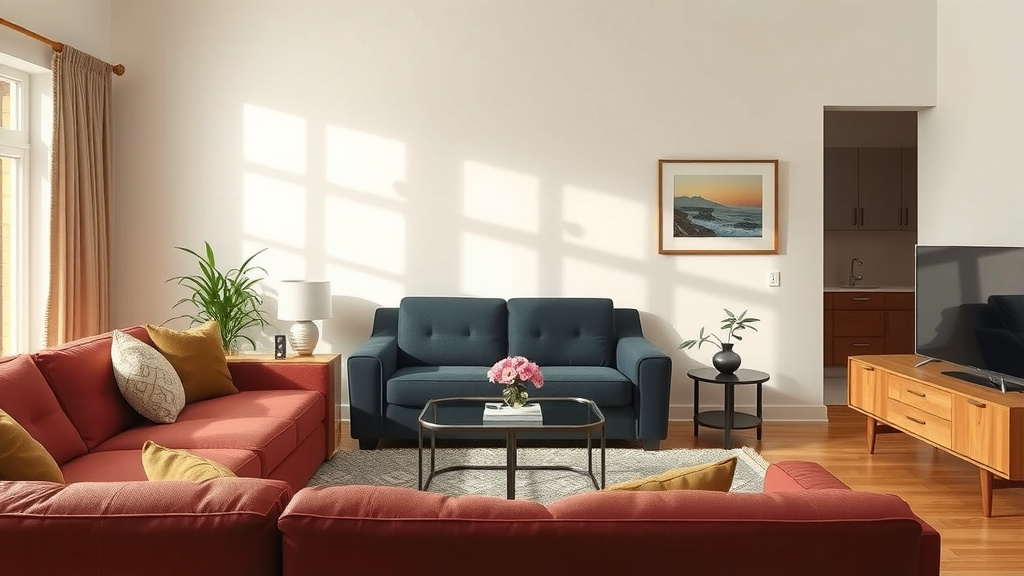
While the math gives you a great starting point, your living room isn’t a sterile lab. Several other things play a role. You need to consider the overall layout of your room and how your TV fits into your daily life. Is it the main focal point, or just one part of a multi-use space?
Room Size and Layout Constraints
A massive TV in a tiny apartment might force you to sit too close, even if the math suggests otherwise. Conversely, a small TV in a cavernous great room can look lost, and you might naturally want to pull your seating closer.
Sometimes, furniture placement is dictated by doorways, windows, or existing built-ins. You might not have the luxury of placing your sofa exactly at the calculated ideal spot. In these cases, finding the best compromise is key. We found that people often adjust their seating slightly to accommodate room flow.
Your Personal Comfort Matters Most
Ultimately, the best distance is the one that feels right to you. Some people prefer a more cinematic, immersive feel, wanting to be closer. Others find that makes their eyes feel tired or they miss the overall picture. There’s no one-size-fits-all answer, even with the formulas.
Pay attention to how your eyes feel. Are you squinting to read subtitles? Do you feel like you’re scanning back and forth too much to take in the whole scene? These are signs you might need to adjust your seating. Many eye health professionals suggest taking breaks and ensuring adequate lighting to prevent eye strain (CDC).
The Impact of Viewing Angle
Beyond just distance, the angle at which you view the screen is also important. Sitting too far off to the side can distort colors and reduce contrast, especially on some types of TV panels. Ideally, you want to be sitting relatively straight-on, or within about 30 degrees of the center of the screen.
Practical Tips for Finding Your Spot
Ready to find that perfect viewing sweet spot? It’s easier than you think. Grab a tape measure and a willingness to experiment. You’re looking for that Goldilocks zone – not too close, not too far.
Step-by-Step Measurement Guide
Here’s a simple process to follow:
- Measure your TV screen diagonally. Remember, it’s just the screen itself.
- Do the math based on your TV’s resolution (HD or 4K).
- Mark the spot on your floor where the sofa should ideally be. A piece of painter’s tape works wonders.
- Place your sofa. If it’s a fixed piece, position it as close to the marked spot as possible. If it’s movable, try different positions.
- Test it out! Watch a movie or a show you know well. See how it feels.
Consider Furniture and Room Flow
Think about how your sofa placement affects the rest of your room. You don’t want to block a walkway or make it awkward to get to other areas. Sometimes, a slightly less-than-perfect TV distance is necessary for better overall room function.
If your sofa is too close, could you swap it with a smaller loveseat? If it’s too far, can you rearrange other furniture to pull it closer? We found that creative furniture arrangements can solve many viewing distance puzzles.
The Sofa Checklist for Perfect Viewing
Here’s a quick rundown to help you nail your sofa-to-TV distance:
- Measure your TV’s diagonal screen size accurately.
- Use the 1.5-2.5x rule for HD and 1-1.5x for 4K TVs.
- Place your sofa at the calculated distance as your starting point.
- Sit down and watch something. How does it feel?
- Check for eye strain or the need to move your head excessively.
- Ensure the placement works with your room’s layout and flow.
A Comparison Table for Quick Reference
To make things super easy, here’s a quick reference table. Just find your TV size and see the recommended ranges for HD and 4K.
| TV Diagonal Size (Inches) | Recommended HD Sofa Distance (Feet) | Recommended 4K Sofa Distance (Feet) |
|---|---|---|
| 32″ | 4.0 – 6.7 | 2.7 – 4.0 |
| 43″ | 5.4 – 9.0 | 3.6 – 5.4 |
| 50″ | 6.3 – 10.4 | 4.2 – 6.3 |
| 55″ | 6.9 – 11.5 | 4.6 – 6.9 |
| 65″ | 8.1 – 13.5 | 5.4 – 8.1 |
| 75″ | 9.4 – 15.6 | 6.3 – 9.4 |
Remember, these are guidelines. Your personal preference is the ultimate decider. We’ve found that most people fall within these ranges but might adjust by a foot or so for their unique setup.
Conclusion
Finding the right sofa distance from your TV is simpler than you might think. Remember to use your TV’s screen size and resolution as your starting point. For HD, aim for 1.5 to 2.5 times the screen diagonal; for 4K, you can get closer, around 1 to 1.5 times. Don’t forget to factor in your room’s layout and, most importantly, your own comfort. Take a moment to test different spots and see what feels best for your eyes and overall viewing pleasure. Your ideal sweet spot awaits!
Frequently Asked Questions
What if my TV isn’t HD or 4K?
For older or standard definition TVs, it’s generally best to sit further away. You’ll want to use the higher end of the HD range, perhaps 2.5 to 3 times the screen diagonal. This helps prevent you from seeing individual pixels.
How does the viewing angle affect my sofa placement?
Ideally, you want to be centered on the screen, within about 30 degrees of the center. If your sofa forces you to sit too far to the side, picture quality and colors might be distorted. Consider rearranging furniture for a better straight-on view.
Can gaming consoles change the recommended distance?
Yes, especially if you’re playing games that require quick reactions or detailed on-screen information. You might prefer to sit closer to a 4K TV for an immersive gaming experience, similar to the 4K movie viewing distances we discussed.
What if my room is too small for the ideal distance?
If your room is cramped, you’ll likely need to compromise. Choose the largest TV that fits comfortably, and sit as far back as you can manage while still enjoying the picture. Avoid feeling like you’re constantly scanning your eyes across a massive screen.
How often should I take breaks to prevent eye strain?
The American Academy of Ophthalmology suggests following the 20-20-20 rule: every 20 minutes, look at something 20 feet away for at least 20 seconds. This helps relax your eye muscles, regardless of your viewing distance.
![10 Best Compressed Sofa In A Box [2026]](https://hometopaccesories.com/wp-content/uploads/2026/09/10-best-compressed-sofa-in-a-box-2026-featured-768x432.jpg)


![10 Best Chesterfield Sofas [2026]](https://hometopaccesories.com/wp-content/uploads/2026/09/10-best-chesterfield-sofas-2026-featured-768x432.jpg)