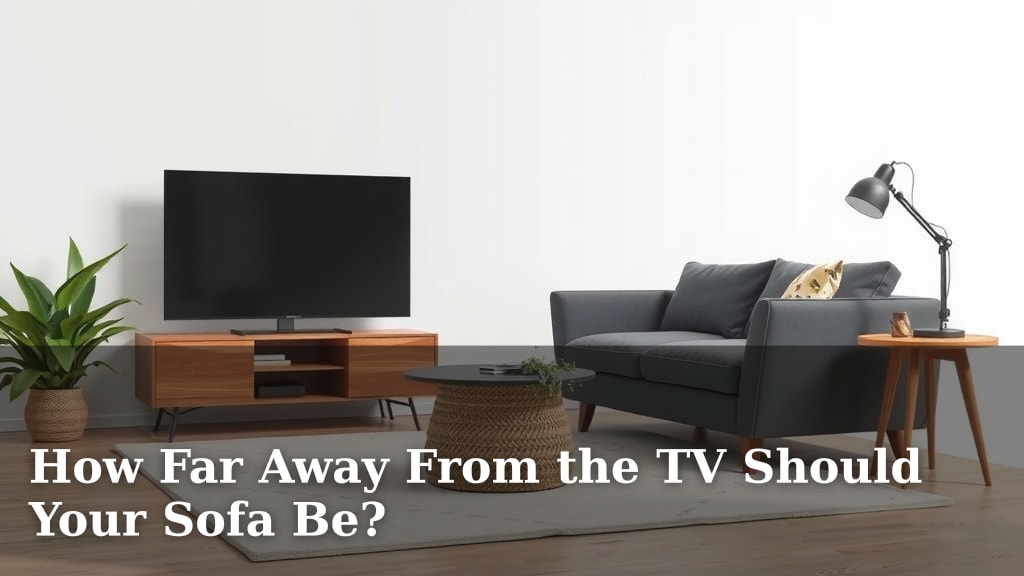
How Far Away From the TV Should Your Sofa Be?
The ideal distance for your sofa from the TV depends on your screen size and resolution. For a 4K TV, you can sit closer, usually around 1 to 1.5 times the screen’s diagonal. For older HD TVs, a bit more distance is better, typically 1.5 to 2.5 times the screen size. You want to comfortably view the entire screen without excessive eye movement or seeing individual pixels. Finding this sweet spot ensures a better viewing experience and can prevent eye strain.
This distance is about more than just comfort; it impacts how you perceive the picture quality. Sitting too close can make you notice picture flaws. Sitting too far means you miss the detail, especially with larger screens. Many experts suggest this range balances immersion with picture clarity. We’ve looked at what makes for a great home cinema setup. Your goal is to feel part of the action, not like you’re staring at a computer monitor.
TL;DR:
- 4K TVs: Sit 1-1.5x screen diagonal.
- HD TVs: Sit 1.5-2.5x screen diagonal.
- Avoid eye strain.
- Enjoy finer picture details.
- Comfort is key.
So, let’s figure out the perfect spot for your sofa so you can enjoy movie nights or binge-watching sessions without any discomfort.
You’ve got your dream TV, maybe it’s a massive 75-inch 4K beauty, or perhaps a sleek new OLED. Now, you’re probably wondering where to put your comfy sofa to get the absolute best viewing experience. It’s a great question, and getting it right can make a world of difference. We’ve found that the perfect distance isn’t just about comfort; it’s about science and how our eyes work best.
Finding Your Ideal Viewing Distance
The sweet spot for your sofa placement is all about balancing immersion with clarity. You want to feel like you’re in the action, not squinting or seeing those little squares that make up the picture. Let’s break down how to figure this out for your specific setup.
The Role of Screen Size and Resolution
This is the biggest factor. A smaller screen might require you to sit closer to take it all in. Conversely, a giant screen might feel overwhelming if your sofa is too close. Resolution plays a key part too. Higher resolutions, like 4K and 8K, have more pixels packed into the screen. This means you can sit closer without noticing the individual pixels, enjoying a crisper image.
4K and Beyond: Sit Closer for Detail
For modern 4K TVs, research suggests you can sit quite a bit closer than you might think. The general rule of thumb we’ve found is to sit at a distance that is about 1 to 1.5 times the diagonal measurement of your screen. So, if you have a 55-inch 4K TV, sitting between 55 inches (about 4.6 feet) and 82.5 inches (about 6.9 feet) away is a good starting point. This allows you to appreciate all those fine details the 4K resolution offers.
HD TVs: A Little More Space is Better
If your TV is an older HD model (1080p), you’ll likely want a bit more distance. For these, we found that sitting 1.5 to 2.5 times the screen’s diagonal measurement works best. This helps prevent you from seeing the larger pixels, which can be distracting on HD screens. For that same 55-inch TV, you’d be looking at a distance between 82.5 inches (about 6.9 feet) and 137.5 inches (about 11.5 feet). This might sound like a big range, but it’s about finding what feels right for your room.
Beyond the Numbers: Comfort and Eye Strain
While those ratios are great guidelines, your personal comfort is king. If you find yourself straining your eyes or moving your head back and forth to take in the whole picture, you’re likely too close. Conversely, if you feel like you’re missing details or the picture seems small, you might be too far away. Many eye care professionals suggest avoiding prolonged viewing distances that cause discomfort (Cleveland Clinic).
What Does “Too Close” Feel Like?
When you’re too close, especially with a large TV, it can feel like you’re watching a computer monitor. You might start to notice the “screen door effect” where you can see the grid of pixels. It can also lead to eye fatigue and headaches because your eyes are working harder to track across a wider field of vision. Think about it: if you have to turn your head significantly to see the edges of the screen, that’s a sign you might be too close.
What Does “Too Far” Feel Like?
Sitting too far away means you lose the impact of the picture. The details blur, and the immersive experience diminishes. For larger screens, this is especially noticeable. You might find yourself leaning forward, trying to get closer to the action, which isn’t ideal for a relaxed viewing session. You might also miss the subtle details that directors and cinematographers intended for you to see.
Making the Measurement: A Simple Guide
Let’s get practical. Measuring your TV and then your room is straightforward. You don’t need fancy tools, just a tape measure and a little patience.
Measure Your TV’s Diagonal
Grab a tape measure. Start at one corner of the screen (not the bezel, just the glass) and stretch the tape diagonally to the opposite corner. That’s your screen size in inches. For example, a 65-inch TV measures 65 inches from corner to corner.
Calculate Your Ideal Range
Now, use your TV’s diagonal measurement and multiply. For 4K: Multiply by 1.0 and 1.5. For HD: Multiply by 1.5 and 2.5. This gives you your ideal viewing distance range in inches. You can convert inches to feet by dividing by 12. So, a 65-inch 4K TV suggests a range of about 5.4 feet to 8.1 feet.
Measure Your Room and Sofa Placement
With your ideal distance range in hand, measure from where your TV will be placed (or is currently placed) to where your sofa will sit. Does your measurement fall within the calculated range? If not, you might need to adjust your furniture layout. Sometimes, just moving your sofa a foot or two can make a big difference.
Using a Laser Measure or App
If you want to be super precise, a laser measuring tool or even a smartphone app can help. Just point and click to get instant measurements. This can be helpful in larger rooms where a tape measure might be a bit awkward.
| TV Type | Recommended Viewing Distance (x Screen Diagonal) | Example: 55-inch TV |
|---|---|---|
| 4K / UHD | 1.0x – 1.5x | 4.6 ft – 6.9 ft |
| HD (1080p) | 1.5x – 2.5x | 6.9 ft – 11.5 ft |
Tips for the Perfect Setup
Beyond just distance, a few other factors can enhance your viewing experience. Think about lighting, seating comfort, and even the height of your TV.
Consider Room Layout and Furniture
Sometimes, the perfect viewing distance isn’t possible due to room constraints. You might have doorways, fireplaces, or other furniture that dictates where your TV and sofa can go. In these cases, aim for the closest approximation to your ideal range. You can also use smaller accent chairs or floor cushions to fill in any gaps or provide alternative viewing spots.
The Importance of Viewing Angles
While we’re talking about distance, remember that viewing angles matter too. If your sofa is positioned too far to the side, the picture quality might degrade. For the best experience, try to position your sofa so you’re looking at the TV screen relatively straight on. This is especially true for certain TV technologies that have narrower viewing angles.
Final Checks for Your Cozy Spot
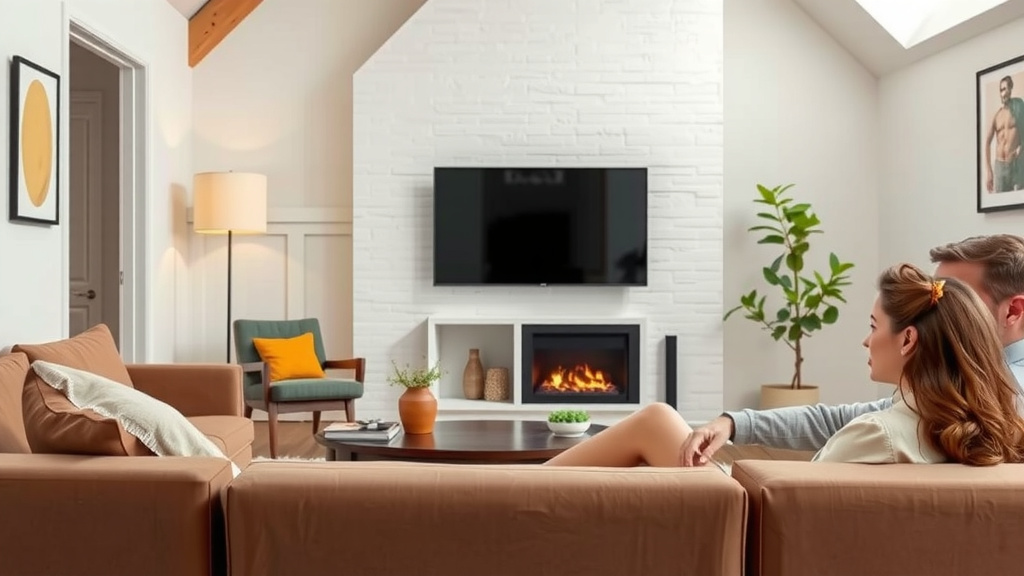
Before you settle in for your next movie marathon, do a quick check. Can you see the entire screen comfortably without moving your eyes too much? Are you experiencing any eye strain? Does the picture look clear and detailed, or a bit fuzzy? Trust your eyes and your comfort level.
- Measure your TV’s screen diagonally.
- Calculate your ideal distance range based on resolution.
- Measure the distance from your TV to your sofa.
- Adjust your sofa if needed to fit the range.
- Check for eye strain or discomfort.
- Ensure you can see the whole screen easily.
Conclusion
Finding the perfect distance for your sofa isn’t complicated. It’s about enjoying your TV without strain. Remember, for 4K TVs, aim for 1 to 1.5 times the screen diagonal. For HD TVs, that range extends to 1.5 to 2.5 times. We’ve seen how screen size and resolution play a big role. But your personal comfort is the ultimate guide. Take a moment to measure, adjust your furniture, and experience the difference. Your next movie night will thank you for it!
Frequently Asked Questions
Will moving my sofa closer or further away really improve picture quality?
Yes, it absolutely can. Sitting at the recommended distance ensures you see the intended detail without the pixels becoming distracting or the image looking too small. You’ll get a more immersive experience, especially with higher resolution content like 4K.
What if my room is too small to achieve the ideal distance?
If your room is compact, do your best to get as close to the recommended range as possible. Sometimes, even moving your sofa a foot or two can make a noticeable difference. Prioritize comfort and avoid severe eye strain over hitting an exact number.
How do I convert the diagonal screen size to a usable distance?
It’s simple math! Measure your TV’s screen diagonally in inches. For 4K TVs, multiply that number by 1.0 and 1.5 to get your ideal range in inches. For HD TVs, multiply by 1.5 and 2.5. You can divide the final inch measurements by 12 to convert them into feet.
Can I use furniture placement to adjust my viewing distance?
Definitely. Sometimes, the ideal distance isn’t about moving the sofa itself, but about strategically placing other furniture. You might use a console table behind the sofa, or arrange accent chairs to subtly shift your seating position closer to or further from the screen.
What if multiple people are watching from different spots on the sofa?
It’s best to find a distance that works for the majority of the seating area, focusing on the main viewing spot. If you have one end of the sofa that’s significantly closer or further, that person might have a slightly less-than-perfect view. Aim for a compromise that keeps most viewers comfortable and within range.

![10 Best Buy Sofa Set [2026]](https://hometopaccesories.com/wp-content/uploads/2026/08/10-best-buy-sofa-set-2026-featured-768x432.jpg)