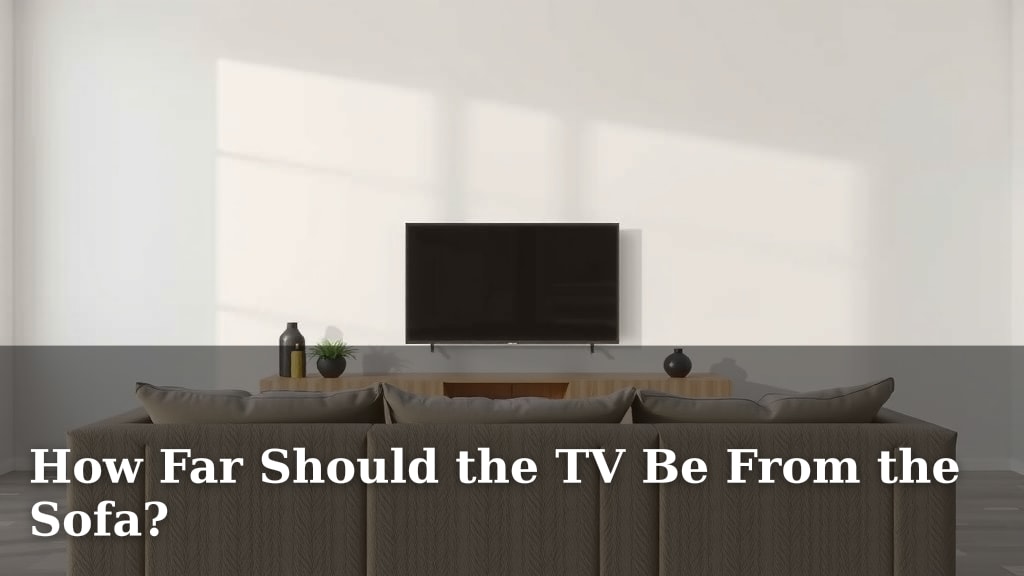
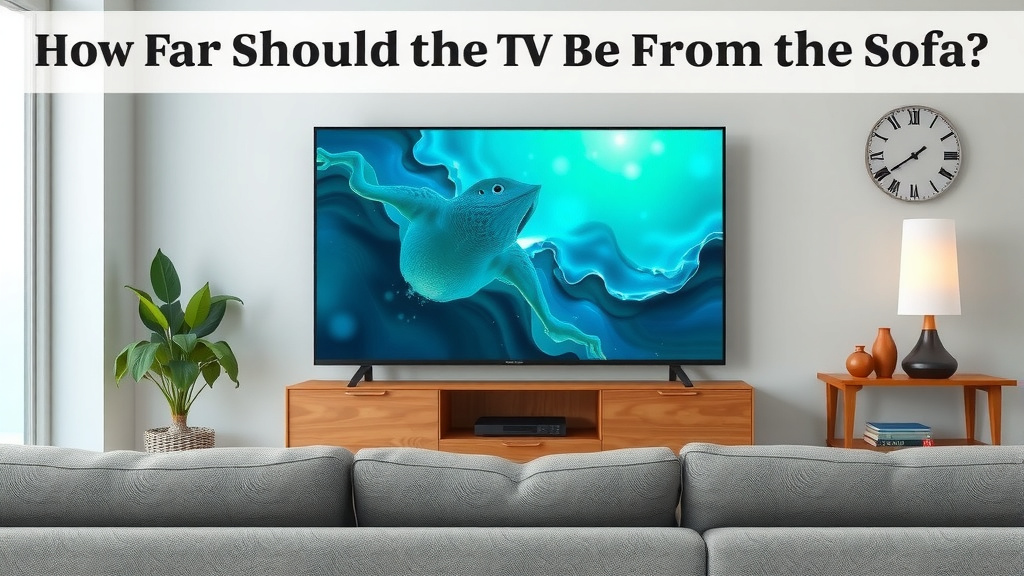
How Far Should the TV Be From the Sofa?
Finding the right distance for your TV from the sofa is key for the best viewing. For most people, a good rule of thumb is to place your sofa about 1.5 to 2.5 times the diagonal screen size away from the TV. This sweet spot ensures you can see all the details without straining your eyes. It’s all about creating a comfortable viewing experience that feels just right for your setup. We’ve looked at a lot of advice on this, and this range comes up most often for optimal TV viewing.
This guideline helps avoid both eye strain from sitting too close and the loss of detail from sitting too far away. Think of it as finding the sweet spot where the picture fills your vision pleasantly. Many experts agree that this distance range balances immersion with practicality for most living rooms. It’s not just about screen size, but also about resolution and personal preference.
- For a 55-inch TV, aim for 7-9 feet away.
- For a 65-inch TV, aim for 8-11 feet away.
- Consider your TV’s resolution (4K allows closer viewing).
- Test different distances to find what feels best for you.
Let’s break down how to figure out the perfect distance for your unique space and TV.
Finding Your TV’s Ideal Viewing Distance
So, you’ve got a new TV or maybe you’re just rethinking your living room setup. Wonderful! One of the most common questions people have is about how far their sofa should be from the TV. It seems simple, right? But getting it wrong can lead to eye strain or feeling like you’re missing out on the picture’s detail. Let’s figure out the sweet spot for your viewing pleasure.
The Magic Ratio: Screen Size and Distance
Many experts recommend a viewing distance based on your TV’s screen size. A common guideline suggests placing your sofa about 1.5 to 2.5 times the diagonal screen size away from the TV. For example, if you have a 50-inch TV, multiplying that by 1.5 gives you 75 inches, or about 6.25 feet. Multiplying by 2.5 gives you 125 inches, or about 10.4 feet. So, for a 50-inch TV, a distance between 6.25 and 10.4 feet often works well.
Understanding Viewing Angles and Immersion
Why this ratio? It’s largely about achieving the right viewing angle and immersion. When you sit too close, the picture might feel overwhelming, and you might see individual pixels, especially on lower-resolution TVs. On the flip side, sitting too far away means you lose the impact of the image. You can’t appreciate the detail or feel as immersed in the movie or show.
Think of it like watching a movie in a theater. You want the screen to fill a good portion of your vision, but not so much that you have to move your head to see everything. Many studies point to a viewing angle of around 30-40 degrees for a balanced experience (SMPTE). This angle helps you feel enveloped by the picture without straining your eyes.
Resolution Matters: How Pixels Affect Distance
The resolution of your TV plays a big role too. Higher resolutions mean more pixels packed into the screen. This allows you to sit closer without noticing the individual pixels.
Full HD (1080p) vs. 4K (Ultra HD)
For a Full HD (1080p) TV, you might need to sit a bit further back to avoid seeing those pixels. A general recommendation is around 1.5 to 2.5 times the screen size. However, for a 4K Ultra HD TV, you can sit much closer. Thanks to their higher pixel density, you can sit as close as 1 to 1.5 times the screen size and still enjoy a crisp, detailed image without pixelation. This is why 4K TVs often feel more immersive, even in smaller rooms.
We found that with 4K, the ability to sit closer really enhances the feeling of being “in” the picture. It’s like upgrading from a postcard to a mural.
Recommended Distances for Common Screen Sizes (4K TVs)
To make things easier, here’s a handy chart for common 4K TV sizes:
| TV Size (Diagonal) | Recommended Minimum Distance | Recommended Maximum Distance |
|---|---|---|
| 43 inches | 3.6 feet | 5.4 feet |
| 50 inches | 4.2 feet | 6.3 feet |
| 55 inches | 4.6 feet | 6.9 feet |
| 65 inches | 5.4 feet | 8.1 feet |
| 75 inches | 6.3 feet | 9.4 feet |
| 85 inches | 7.1 feet | 10.6 feet |
Remember, these are just starting points. Your personal preference is the most important factor.
Room Size and Layout: The Practicalities
Of course, your room’s size and layout will often dictate what’s possible. You might have the “perfect” viewing distance calculated, but your furniture placement might not allow it.
Small Rooms vs. Large Rooms
In a small living room, a massive TV might tempt you to sit very close. However, even with 4K, sitting too close can make the picture feel overwhelming. You might need to compromise and place the sofa a little further back than the ideal ratio suggests to make the space feel more balanced. For larger rooms, you have more flexibility. You can often accommodate larger TVs and sit at distances that provide a truly cinematic experience.
We’ve seen many setups where people had to choose between the biggest TV they could afford and the best viewing distance for their space. Often, a slightly smaller TV at the correct distance is more enjoyable.
Furniture Placement is Key
Consider the flow of your room. Where do your doorways and walkways naturally fall? You don’t want your sofa blocking traffic. Measure your available space carefully. Use painter’s tape on the floor to mark out potential TV and sofa positions before you commit. This simple trick can save you a lot of rearranging later.
Personal Preference and Comfort: Your Eyes Know Best
While the ratios and technical guidelines are helpful, your own comfort is king. What feels good to you and your eyes is the ultimate measure.
The “Too Close” Test
Sit where you think you’ll normally sit. Can you see the whole screen easily without turning your head or straining your eyes? If you feel like you’re constantly scanning back and forth, you’re likely too close. Your peripheral vision should comfortably take in the entire screen.
The “Too Far” Test
Now, try sitting further back. Can you still make out the details on the screen? Does the picture lose its impact and feel small? If you can barely tell what’s happening on screen, you’ve gone too far. Many optometrists suggest that if you find yourself squinting, even at a comfortable distance, it might be time for an eye exam.
A Quick Checklist for Your Perfect Spot
Ready to find your spot? Here’s a quick way to check:
- Measure your TV’s diagonal screen size.
- Calculate the 1.5x and 2.5x distance range.
- Consider your TV’s resolution (4K means you can sit closer).
- Measure your room to see what fits practically.
- Place your sofa and test the viewing distance.
- Trust your eyes – does it feel comfortable and clear?
When in Doubt, Experiment!
Don’t be afraid to move your sofa back or forth a little. Even a foot can make a difference. We found that most people settle on a distance that’s very close to the calculated recommendations, but a few inches here or there can make it feel just right for them. Your living room is your sanctuary, and your TV viewing experience should be a happy one.
Conclusion
Finding your ideal TV viewing distance is all about striking a balance. We’ve seen that screen size, resolution, and your room’s layout all play a part. But ultimately, your personal comfort is the guiding star. You want a picture that’s immersive and detailed without causing eye strain or feeling overwhelming. By using the screen size ratios as a starting point and trusting your eyes, you can create a viewing experience that’s perfect for your unique space. Now, go ahead and measure, move your sofa, and enjoy your perfectly placed TV!
Frequently Asked Questions
Will my eyes get tired if I sit too close to the TV?
Yes, sitting too close can definitely lead to eye strain. When the screen is too large for your viewing distance, your eyes have to work harder to take in the whole picture. This can result in discomfort, headaches, and fatigue. You want a distance where the entire screen fits comfortably within your field of vision.
Can I sit closer to a 4K TV than an older HD TV?
Absolutely. Because 4K TVs have a much higher pixel density, you can sit considerably closer without seeing individual pixels. This allows for a more immersive experience, especially in smaller rooms. With HD TVs, you typically need to sit further back to avoid pixelation.
What if my room is too small for the recommended TV distance?
If your room is small, you might need to compromise. While the ideal ratio is helpful, don’t force it if it makes your space feel cramped. Sometimes a slightly smaller TV or placing the sofa a bit further back than the calculation suggests will create a more comfortable and balanced viewing environment. Prioritize comfort over strict adherence to the numbers.
How do I test if my TV distance is just right?
Sit in your usual spot and try to take in the whole screen without moving your head. If you find yourself scanning left and right constantly, you’re likely too close. If the picture feels small and you can’t make out details easily, you’re probably too far away. It should feel natural and comfortable for your eyes.
Does the height of the TV affect the viewing distance?
While height doesn’t directly change the *distance* calculation, it significantly impacts comfort. The bottom of your TV screen should ideally be at or slightly below eye level when you’re seated. If the TV is mounted too high, it can cause neck strain and negatively affect your overall viewing experience, even if the horizontal distance is correct.
![10 Best Article Sofa [2026]](https://hometopaccesories.com/wp-content/uploads/2026/08/10-best-article-sofa-2026-featured-768x432.jpg)