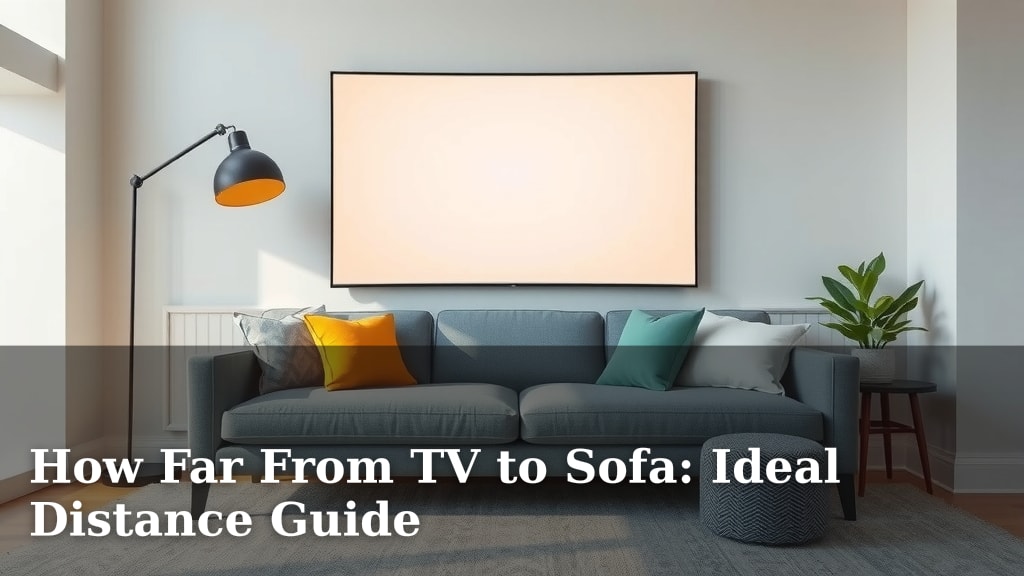
How Far From TV to Sofa: Ideal Distance Guide
Finding the ideal distance from your TV to sofa is key for a great viewing experience. For a 4K TV, a good rule of thumb is to sit at a distance that is 1 to 1.5 times the diagonal screen size. This ensures you can appreciate the sharp details without seeing individual pixels. Eye strain is a common problem, but sitting too close can cause it. Sitting too far away means you might miss out on the picture quality.
The distance also depends on the TV’s resolution. Older HD TVs might require you to sit further back than newer 4K or 8K models. We found that a comfortable viewing distance can really transform your home cinema. It’s about finding that sweet spot where immersion is high and discomfort is low. Many experts suggest considering your room’s layout, too.
- Ideal 4K TV distance: 1x to 1.5x screen size diagonal.
- Consider TV resolution (4K, HD, 8K).
- Avoid sitting too close to prevent eye strain.
- Ensure you can see all the picture detail.
- Room layout plays a role in placement.
Let’s walk through how to figure out the perfect spot for your TV and couch so you can enjoy movies and shows without any discomfort.
“`htmlFinding Your Sweet Spot: TV to Sofa Distance Explained
You’ve got a new TV or maybe you’re just setting up your living room, and you’re wondering: how far should the sofa really be from the TV? It’s a question many of us ponder. Getting this distance just right can transform your viewing from okay to absolutely amazing. We’re here to help you find that perfect viewing distance so you can enjoy everything on screen without a second thought.
The Science Behind the Ideal TV Viewing Distance
It might seem like a simple measurement, but there’s some science behind finding the best spot. Experts have looked at how our eyes work and how we perceive images on a screen. The goal is to be close enough to appreciate the detail but far enough to avoid strain. Research suggests that for modern TVs, especially those with high resolutions like 4K, you can sit closer than you might think. This allows you to really take in all the pixels and the crispness of the image.
Understanding Screen Size and Viewing Angle
The diagonal size of your TV screen is your first clue. Think of it like this: the bigger the screen, the further back you generally need to be to see the whole picture comfortably. We found that a common recommendation is to sit at a distance that’s about 1 to 1.5 times the TV’s diagonal measurement. For example, on a 65-inch TV, this would mean sitting between 65 inches (about 5.4 feet) and 97.5 inches (about 8.1 feet) away. This range ensures you get an immersive experience without feeling overwhelmed.
Resolution Matters: How Pixels Affect Distance
The resolution of your TV plays a huge role. Older high-definition (HD) TVs have fewer pixels packed into the screen. If you sit too close to an HD TV, you might start to see the individual pixels, which isn’t ideal. In contrast, 4K and 8K TVs have so many more pixels that they look incredibly sharp even when you’re closer. We found that for a 4K TV, you can sit much closer than with an HD TV and still enjoy a smooth, detailed picture. This is because your eyes can’t distinguish individual pixels at typical viewing distances for these higher resolutions.
4K vs. HD: What’s the Difference for Your Couch?
When you sit in front of a 4K TV, the sheer number of pixels means you can get closer and still see a seamless image. It’s like looking at a photograph up close versus a mosaic. You can appreciate the fine details without the screen appearing pixelated. For HD TVs, the general advice was to sit further back, often around 2.5 times the screen size. But with 4K, you get to bring your sofa closer and still have that crystal-clear view. Many sources, like the Society of Motion Picture and Television Engineers, suggest viewing angles that align with sitting closer for 4K.
The Future: 8K and Beyond
As technology progresses, 8K TVs offer even more detail. While they are still quite new and expensive, the principle remains the same: more pixels mean you can sit closer for an even more lifelike viewing experience. You’re essentially getting a picture with four times the detail of 4K. Experts suggest that for 8K, you can get even closer than for 4K to truly appreciate the incredible clarity. It makes the screen feel less like a window and more like you’re stepping into the scene.
Common Mistakes to Avoid for Comfortable Viewing
It’s easy to get this wrong if you’re not sure what to look for. One of the most common mistakes is placing the TV too close to the sofa. This often happens in smaller rooms where space is tight. However, sitting too near can lead to eye strain and headaches. Your eyes have to work harder to take in the entire screen. We found that many people experience discomfort simply because their seating is too close.
The Dangers of Sitting Too Close
Eye strain, or digital eye strain, is a real issue. Symptoms can include dry eyes, blurred vision, and headaches. The American Optometric Association notes that prolonged focus on a screen, especially at a close distance, can contribute to these problems. Your eyes are designed to focus at different distances, and forcing them to concentrate on a nearby, bright object for extended periods can be tiring. Think of it like holding a book too close to your face for an hour – your eyes would probably feel strained too!
Why Sitting Too Far Isn’t Ideal Either
On the flip side, sitting too far away means you miss out on the benefits of your TV’s high resolution. You might not be able to see the fine details in a movie or appreciate the sharp text in a video. The whole point of a large, high-resolution TV is to be immersed in the picture. If you’re so far back that the screen looks small, you’re not getting the full visual experience. It’s like having a gourmet meal but only taking tiny bites – you miss the full flavor!
Your Room Layout and TV Placement
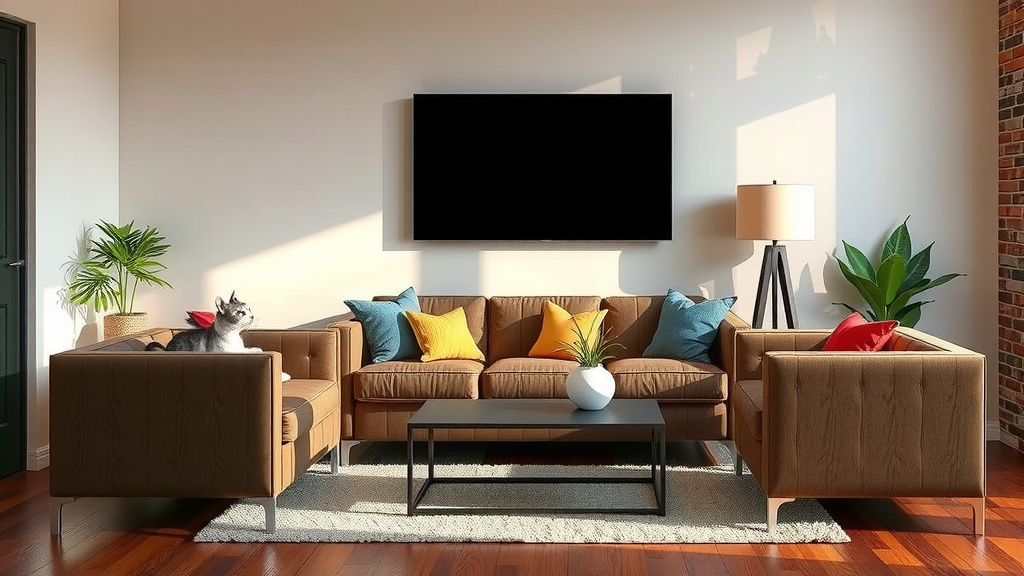
Your room’s shape and size are significant factors. You can’t always achieve the ‘ideal’ distance if your room simply doesn’t allow for it. Measure your space carefully. If you have a long, narrow room, you might need to position your sofa differently than in a square room. Consider the placement of other furniture too. The TV should be the focal point, but it needs to fit harmoniously within your living space. We found that some clever furniture arrangement can make a big difference in optimizing your viewing setup.
Measuring Your Space for the Perfect Fit
Grab a tape measure and get started! Measure the diagonal screen size of your TV first. Then, measure the distance from where your TV will be to where your sofa will sit. Compare these measurements to the general guidelines. Don’t be afraid to make small adjustments. Sometimes moving your sofa just a foot or two can significantly improve your viewing comfort. We always recommend starting with the recommended distance and then adjusting based on how it feels.
Quick Checklist for Your Ideal Viewing Distance
- Measure your TV’s diagonal screen size.
- Calculate your ideal distance range (1-1.5x screen size for 4K).
- Consider your TV’s resolution (4K, HD, 8K).
- Test different distances from your couch.
- Pay attention to eye comfort and picture clarity.
- Adjust for your room’s layout and furniture.
Finding the perfect distance is an iterative process. What feels best for one person might be slightly different for another. Trust your eyes and your comfort level. By following these guidelines, you’re well on your way to creating a home cinema experience you’ll love.
“`Conclusion
You’ve learned that finding the ideal TV-to-sofa distance is more art than exact science. It’s about balancing immersion with comfort, and respecting your TV’s resolution. Remember, a 4K TV lets you sit closer to appreciate its detail. Don’t let eye strain or missing picture quality be the norm. Your room layout also plays a key role. Now that you have this guide, take a moment to measure your space and experiment with different seating positions.
Your next step is simple: grab a tape measure and put these tips into practice! You’ll be enjoying your favorite shows and movies in your perfect home cinema setup before you know it.
Frequently Asked Questions
Can I really sit closer to a 4K TV?
Yes, you can! For 4K TVs, sitting closer is recommended to truly appreciate the high pixel density and detail. Research suggests a distance of 1 to 1.5 times the screen’s diagonal size is optimal. This allows you to see the crispness without individual pixels becoming visible.
What if my room is too small for the ideal distance?
If space is limited, focus on the closest end of the recommended range for your TV size and resolution. Avoid sitting so close that you experience eye strain or have to move your head excessively to see the whole screen. Sometimes, a slightly smaller TV or a different furniture arrangement might be necessary.
How do I know if I’m sitting too far away?
If you find yourself squinting to read text, can’t make out fine details in a movie, or feel like the screen looks too small for the room, you’re likely too far away. You should be able to take in the entire screen with minimal eye or head movement while still enjoying the picture’s clarity.
Does the type of content I watch affect the distance?
While the physical distance is primarily determined by screen size and resolution, the content can influence perceived comfort. Fast-paced action movies or sports might feel more immersive when you’re closer, while slower dramas or news might be comfortable at a slightly greater distance. The key is personal preference and avoiding strain.
Is there a difference between watching movies and playing video games regarding distance?
For video games, many players prefer to sit closer, similar to the 4K TV recommendation, to feel more immersed in the action and react quicker. The goal is still to avoid eye strain and see all the on-screen information clearly. The 1-1.5x screen size rule often works well for both gaming and movies on modern TVs.

![10 Seater Sofa [2026]](https://hometopaccesories.com/wp-content/uploads/2026/08/10-seater-sofa-2026-featured-1-768x432.jpg)
![10 Best Black Sofa [2026]](https://hometopaccesories.com/wp-content/uploads/2026/08/10-best-black-sofa-2026-featured-768x432.jpg)