How to Calculate the Ideal TV to Sofa Viewing Distance
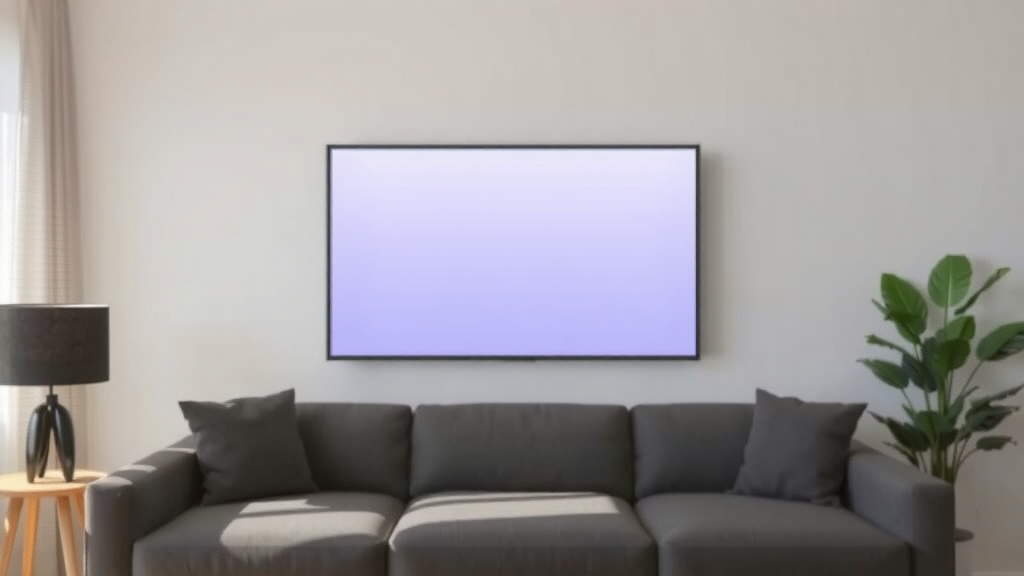
The easiest way to calculate the distance between your TV and sofa is to multiply your TV size (in inches) by 1.5 to 2.5. That gives you the ideal viewing distance in inches. So if you have a 55-inch TV, you should sit roughly 7 to 11 feet away.
Why does this matter? Sit too close and you’ll strain your eyes. Sit too far and you’re squinting at subplots. We found that many experts also factor in screen resolution, since 4K TVs let you sit closer without losing picture quality. Room layout, sofa height, and even mounting height play a role too.
- The quick formula: TV size × 1.5 (minimum) to 2.5 (maximum) = viewing distance in inches.
- A 65-inch TV works best about 8 to 13.5 feet from your sofa.
- 4K TVs can handle the closer end of the range.
- Measure from the screen, not the wall, for the most accurate number.
- Tilting or mounting your TV can help fine-tune comfort.
Below, we break down everything you need to know about getting that perfect viewing distance, step by step. Grab a tape measure, and let’s make your living room the coziest seat in the house.
Finding the Right TV-to-Sofa Distance for Your Room
The quickest method is to measure your TV diagonally and multiply that number by 1.5 and 2.5. The results give you a distance range in inches. Convert to feet by dividing by 12, and you’re done.
Say you own a 55-inch TV. Multiply 55 by 1.5 to get 82.5 inches (about 7 feet). Multiply it by 2.5 to get 137.5 inches (about 11.5 feet). Your sweet spot lives somewhere in that window.
A Quick TV Size Chart
Here’s a handy reference table so you don’t have to do math on your phone with one hand and a tape measure in the other.
| TV Size | Minimum Distance | Maximum Distance |
|---|---|---|
| 43 inches | 5.4 feet | 9 feet |
| 50 inches | 6.2 feet | 10.4 feet |
| 55 inches | 6.9 feet | 11.5 feet |
| 65 inches | 8.1 feet | 13.5 feet |
| 75 inches | 9.4 feet | 15.6 feet |
| 85 inches | 10.6 feet | 17.7 feet |
Why Resolution Changes the Math
Here’s where things get interesting. Older 1080p TVs start showing pixels if you sit too close. 4K TVs pack four times the pixels, so you can sit at the closer end of the range without noticing a thing.
We found that many home theater guides suggest 4K owners lean toward the 1.5x multiplier, while 1080p viewers should drift toward 2.5x. Think of it like reading a book: a crisp, high-res page is comfortable up close, while a fuzzy photocopy makes you lean back.
If you have an 8K TV, the same logic applies even more. But let’s be honest, most of us are still happily watching 4K.
Measuring the Space the Right Way
Grab a tape measure, a notepad, and maybe a helper who owes you a favor. Measure from the screen itself, not the wall behind it. Wall-mounted TVs often float several inches off the wall, and that gap adds up.
Run the tape from the center of your screen to the seating position, not the front edge of the sofa. Your eyes sit a foot or so behind the cushion edge, which can swing your measurement by half a foot or more.
Step-by-Step Measuring Checklist
- Measure your TV diagonally, corner to corner, screen only.
- Find your usual seat and note where your eyes sit.
- Measure straight from screen to that eye position.
- Convert inches to feet by dividing by 12.
- Compare your number to the 1.5x to 2.5x range.
- Adjust furniture or mounts if you’re outside the range.
Common Measuring Mistakes
The biggest slip-up we see? Measuring TV screen size wrong. The advertised size is the diagonal, not the width. A 55-inch TV is only about 48 inches wide.
Another one: people measure to the back of the sofa. Unless you watch TV by pressing your head into the cushions, that number will be too generous.
How Your Room Layout Affects the Distance
Real rooms have walls, doors, radiators, and that one armchair nobody sits in. Your ideal distance only works if the room allows it. A small apartment might cap you at 8 feet no matter what the formula says.
When that happens, adjust the TV size instead of the sofa. A smaller screen in a small room beats a giant screen you have to squint at from two feet away. Trust us on this one.
Open Floor Plans
In open layouts, your sofa might sit far from any wall. That’s actually a gift. You can float the sofa wherever the math says it should go, then build the rest of the room around it.
Small Living Rooms
Short on space? Consider a smaller TV or a wall mount with a tilt bracket. Tilting reduces glare and neck strain when you sit closer than ideal. Many ergonomics guides, including advice from the Occupational Safety and Health Administration on monitor placement, suggest keeping screens at or just below eye level.
Eye Strain and Why Distance Matters
Watching TV at the wrong distance isn’t just annoying. It can leave your eyes tired, dry, and headache-prone. Eye care experts, including those at the Cleveland Clinic, note that prolonged screen focus contributes to digital eye strain, and viewing angle and distance play a role in comfort.
The good news? Distance is one of the easiest fixes. You don’t need new glasses or a fancy TV. You just need your sofa in the right spot.
Want a bonus tip? Follow the 20-20-20 rule during long binge sessions. Every 20 minutes, look at something 20 feet away for 20 seconds (American Optometric Association). Your eyes will thank you around episode nine.
Mounting Height and Viewing Angle
Distance is only half the equation. Height matters too. Many experts say the center of your screen should sit at or near eye level when seated, which for most people lands around 40 to 45 inches off the floor.
Mount a TV too high and you’ll crane your neck like you’re in the front row of a movie theater. Too low, and you’re slouching like a teenager. Neither is great for a two-hour watch party.
Angle and Field of View
Society of Motion Picture and Television Engineers guidelines suggest a viewing angle of roughly 30 degrees for a comfortable, immersive experience. In plain English? Your screen shouldn’t fill so much of your vision that you need to move your head to follow the action.
Many home theater fans use online field-of-view calculators for this. They’re free, fast, and take the guesswork out of the equation.
Adjusting for Sofas, Recliners, and Sectionals
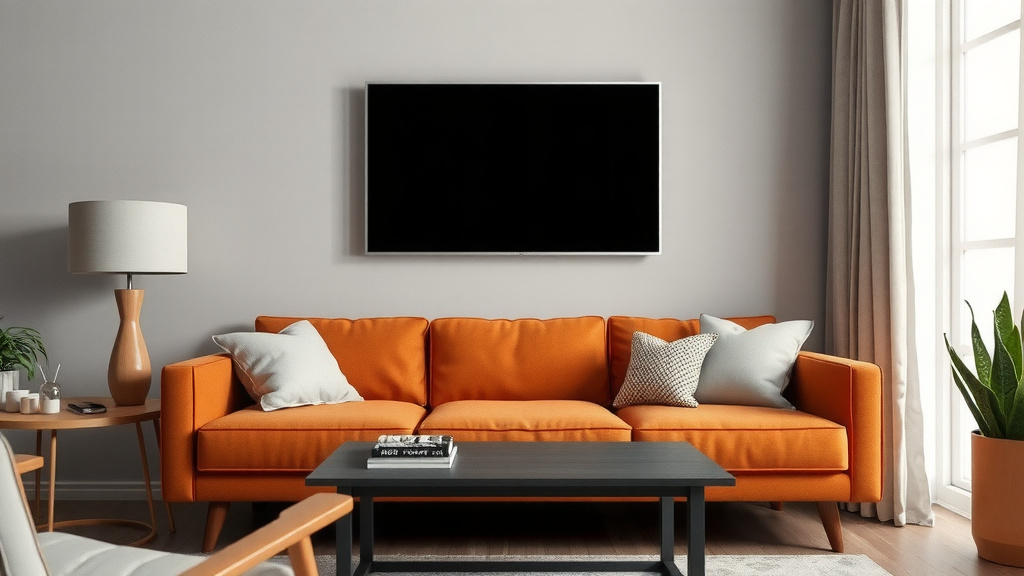
Not all seats are created equal. A deep sectional pushes your eyes farther back, which effectively adds distance. A low loveseat or a recliner changes your eye height and angle.
Here’s a simple fix: sit in your favorite spot and have someone measure from the screen to your eyes. It’s slightly awkward for about 30 seconds, and then you have the most accurate number possible.
Recliners and Footrests
Reclined positions tilt your head back, which changes your viewing angle. If you always recline, you may want the TV slightly higher and a touch farther away than the base formula suggests.
Room Lighting and Glare Considerations
Distance and placement can’t fix a window blasting sunlight across your screen. Glare forces you to squint, which defeats the whole point of a perfect distance. We found that positioning the screen away from direct light sources makes a bigger difference than most people expect.
If you can’t move the TV, blackout curtains or an anti-glare screen finish can help. Many newer TVs also include anti-reflective coatings worth checking before you buy.
Quick Tips to Fine-Tune Your Setup
Once you’ve done the math, a few small tweaks take your setup from good to great. These are the finishing touches that make movie night feel intentional instead of accidental.
- Test the distance during daytime and nighttime viewing.
- Sit in every seat on the sofa to check the angle.
- Use a tilt mount to fine-tune height and reduce glare.
- Keep bias lighting or a dim lamp behind the TV to ease eye strain.
- Re-measure after rearranging furniture; distances shift fast.
- Trust comfort over formulas if the two ever disagree.
At the end of the day, these numbers are guidelines, not laws. If your couch, your TV, and your eyes are all happy, you’ve already won.
Conclusion
Getting the distance between your TV and sofa right comes down to one simple move: multiply your screen size by 1.5 to 2.5. From there, adjust for your TV’s resolution, your seating style, and what your room will actually allow. Remember to measure from the screen to your eyes, not the wall to the couch cushions. Mounting height and lighting matter too, so don’t stop at the tape measure. We found that the best setups blend the math with real-world comfort. Your next step? Grab a tape measure, run the numbers tonight, and scoot that sofa into its sweet spot before your next movie night.
Frequently Asked Questions
Is a bigger TV better if I sit far away from the sofa?
Often, yes. If your sofa sits more than 12 feet from the screen, you may find smaller TVs harder to read during dialogue scenes. Research and testing from home theater enthusiasts suggest bumping up a screen size or two to keep subtitles and scoreboards comfortable.
Should I measure in inches or feet?
Do the math in inches first, then convert to feet by dividing by 12. It keeps things simple since TV sizes are always listed in inches. Most tape measures show both, so you can flip between them as you go.
Does sitting too close to the TV damage your eyes?
It won’t cause permanent damage, but it can cause discomfort. Eye care experts note that long viewing sessions at close range contribute to eye strain, dryness, and headaches. If your eyes feel tired after watching, try nudging your sofa back a foot or two.
What if my room is too small for the recommended distance?
You have a few options, and none involve moving walls. You can swap in a smaller TV, mount the screen with a tilt bracket, or rearrange furniture to free up a couple of feet. We found that a smaller screen at the right distance beats a big screen you can’t escape.
Do I need to recalculate if I upgrade my TV?
Yes, and it only takes a minute. A new TV usually means a new size, and sometimes a new resolution, so run the formula again before you mount it. Checking first can save you from re-drilling holes in your wall a week later.